Deep Research & Description
The Radeon 9200 represents an interesting tactical move by ATI. Despite its “9000-series” naming, it was actually based on the older R200 architecture (originally found in the Radeon 8500). Its primary purpose was to replace the Radeon 9000 by adding support for the then-new AGP 8x interface. This made it the perfect “future-proof” budget card for users moving to newer motherboards that were phasing out older AGP standards.
Technically, the 9200 was a DirectX 8.1 card. This is a critical distinction in PC evolution: while the more expensive Radeon 9500 and above were moving into the DirectX 9 era (and the world of Half-Life 2), the 9200 stayed back to provide rock-solid support for the massive library of DX8 games. With 128MB of DDR memory, it had plenty of frame buffer for the time, allowing it to run Windows XP’s interface and early 2000s games with high-resolution textures that would have choked older 32MB or 64MB cards.
Gigabyte’s implementation was particularly popular because they often utilized passive cooling (large gold or blue aluminum heatsinks with no fan). This made the card completely silent and highly reliable, as there was no tiny fan to fail or gather dust—a major selling point for “Family PCs” and office workstations of the mid-2000s.
Era Context
-
The “Budget King”: In 2003, this card was the direct rival to Nvidia’s GeForce4 MX 440 and the newer FX 5200. The Radeon 9200 was often preferred because its DX 8.1 support was more stable than the early, struggling DX 9 implementations on Nvidia’s budget cards.
-
Operating System: The definitive Windows XP graphics card, supporting the “Luna” interface perfectly.
-
Gaming Legacy: It was the “minimum spec” hero for games like The Sims 2, World of Warcraft (at launch), and Need for Speed: Underground. It allowed users to play these titles with decent detail, even if it couldn’t handle the heavy shaders of the DX9 era.
-
Multi-Monitor: The inclusion of a DVI port alongside VGA was a big deal for budget users, as it allowed for early dual-monitor setups without needing an expensive workstation card.
Component Gallery
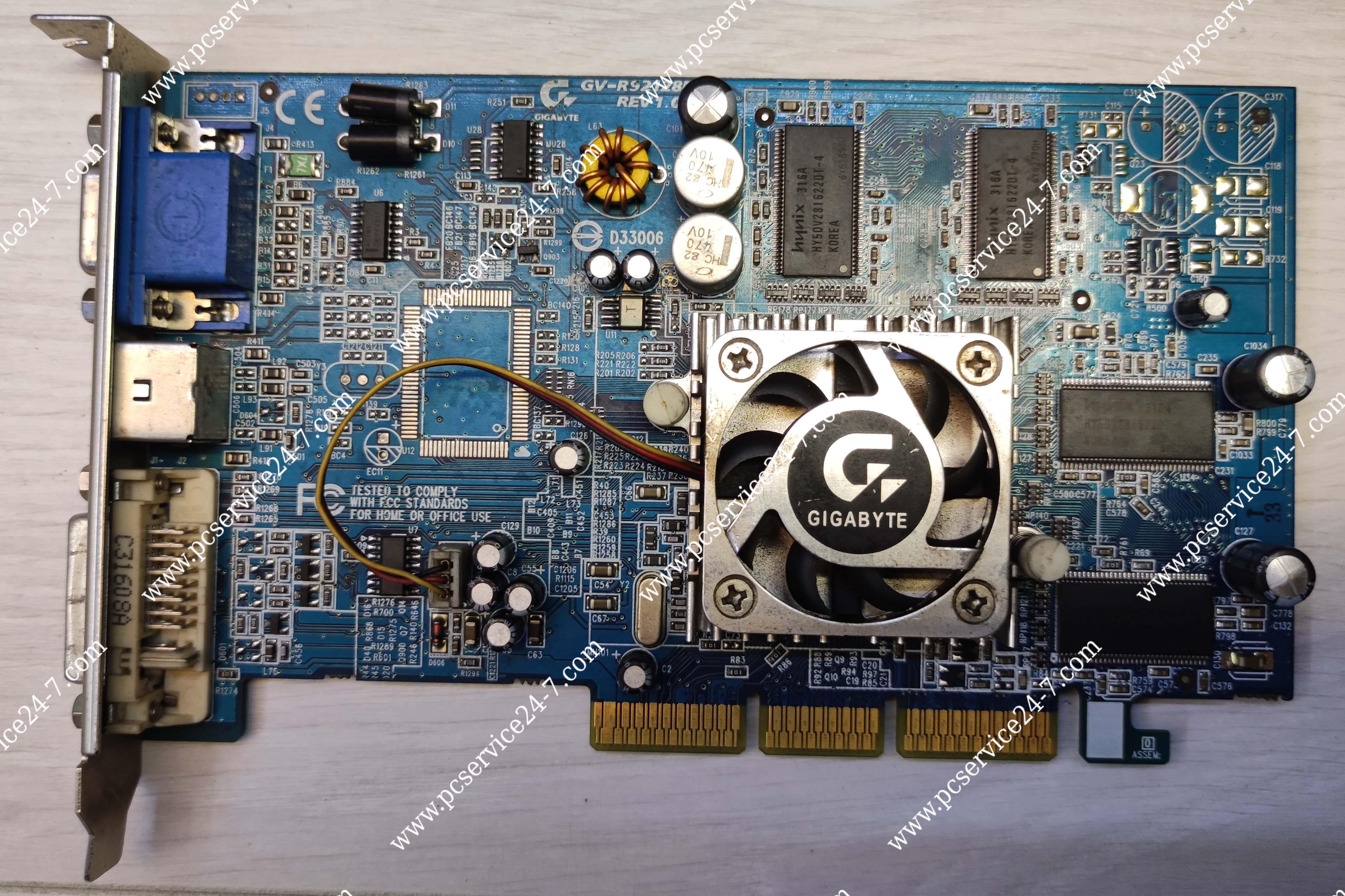
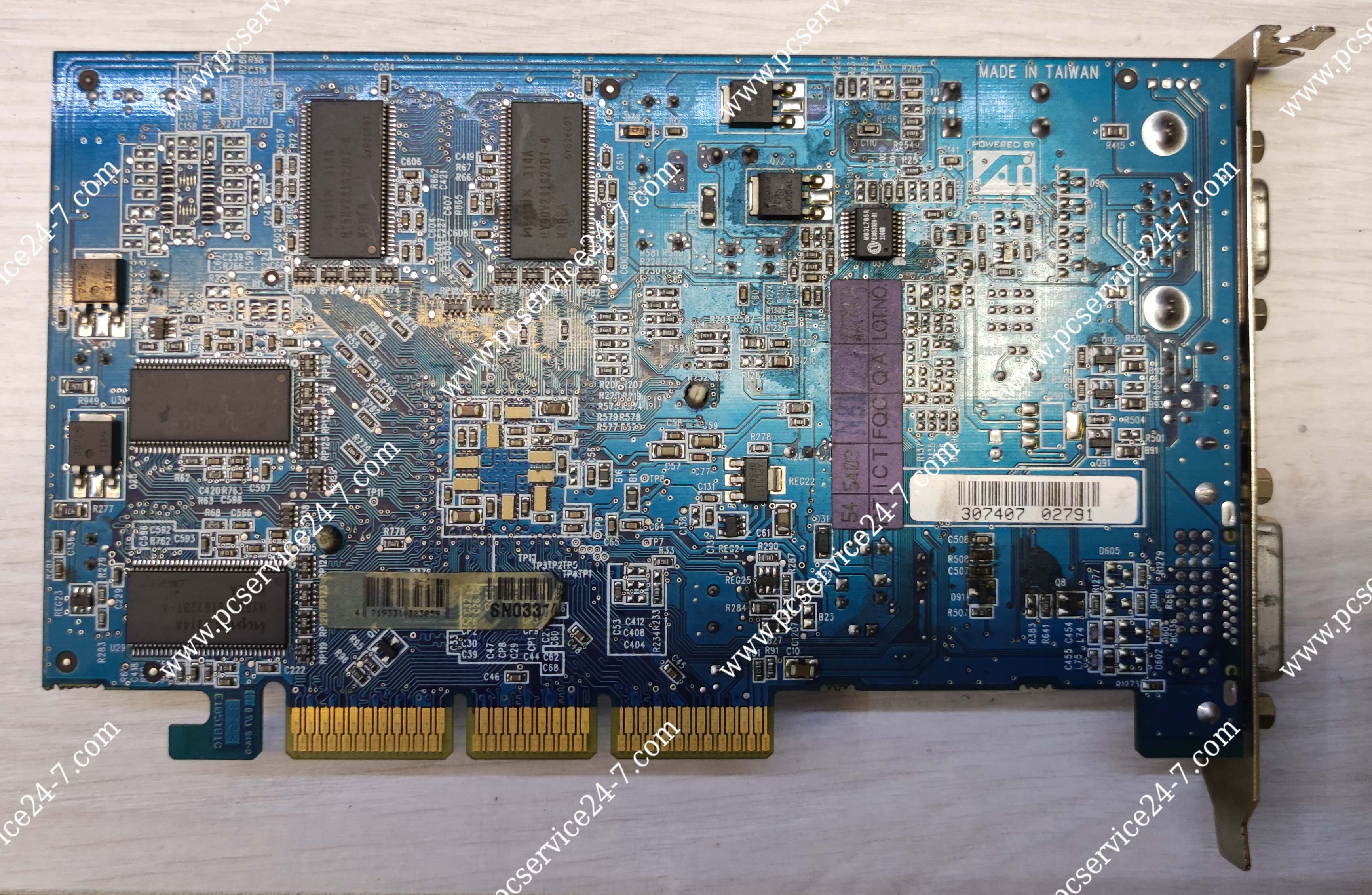
Quick Specs
| Feature | Specification |
| GPU Core | RV280 |
| Interface | AGP 8x / 4x |
| Memory | 128 MB DDR |
| Memory Bus | 128-bit (Standard) / 64-bit (SE models) |
| Core Clock | 250 MHz |
| Memory Clock | 400 MHz (Effective) |
| DirectX Support | 8.1 |
| Outputs | VGA, DVI-I, S-Video |
| Cooling | Often Passive (Heatsink only) |